
Kick Panel Maker
Create a professional panel for your Kick channel. Use our free online tool to design and download a custom Kick channel panel at the perfect size.
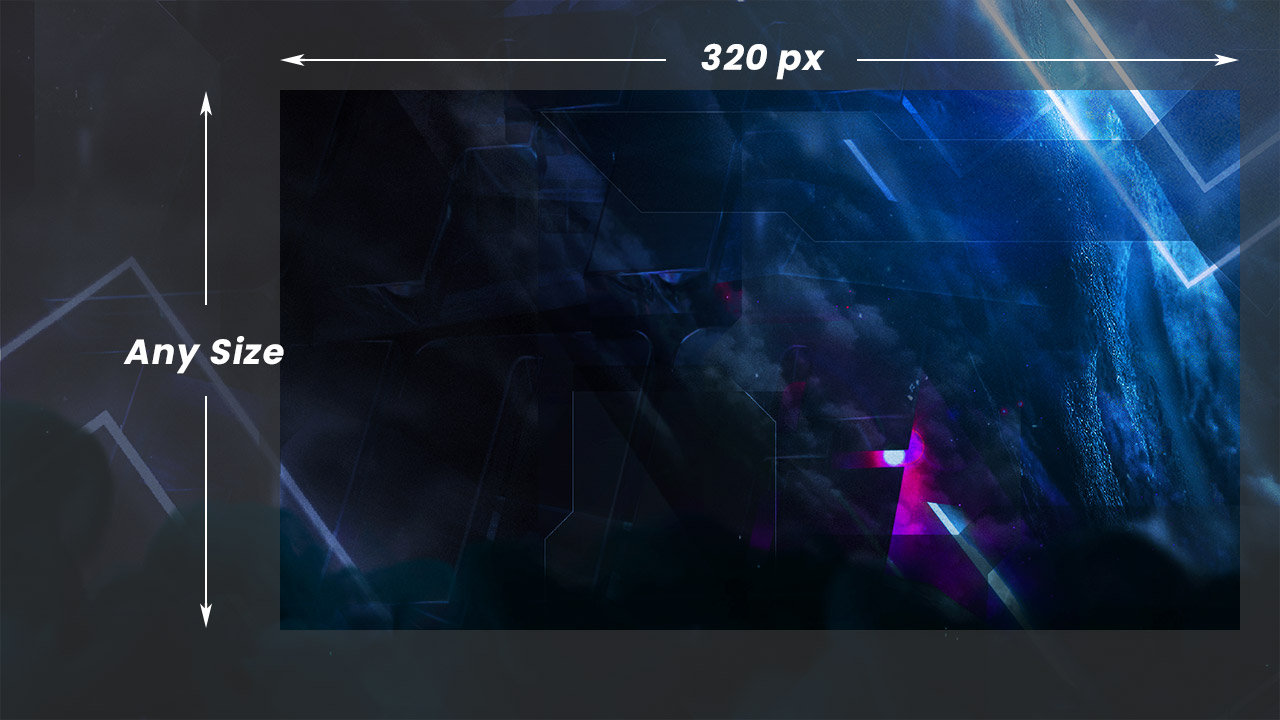
Kick Panel Requirements
Our tool automatically outputs your panel at the correct dimensions for Kick. The recommended panel width is 320 pixels.
The file size must be less than 10mb.
Type: Kick Panel
Dimensions: 320 x Any height
File Size: 10mb
File Type: PNG/JPG
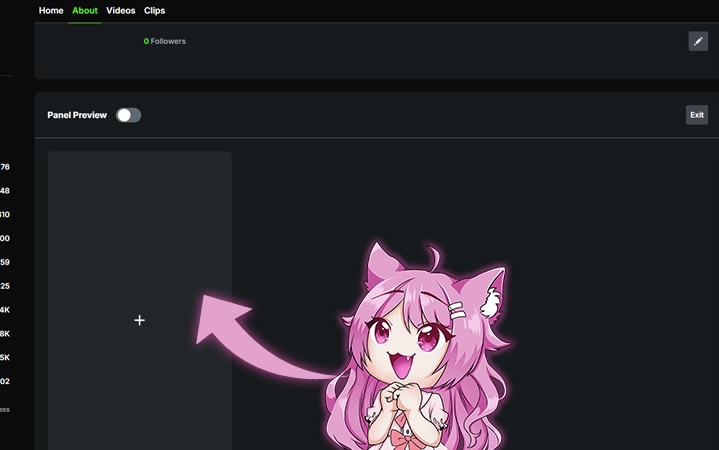
How To Add a Kick Panel
- Click Your Kick Avatar -> View your channel
- Select About Tab -> Edit Panels
- Select the plus button
- Add Image -> Create
Level Up Your Stream Branding
Full Stream Overlay Packs
Hundreds of overlays, alerts, panels, and full stream packages designed for every style and platform.